
In this submenu, you can view the main statistics:
–Total enrolled students
-Active courses
Total certificates issued
Expired certificates
You’ll also find quick shortcuts for faster access to the most frequently used submenus.
There’s a system status section with useful information:
–Plugin version
-PHP version
-And license status.
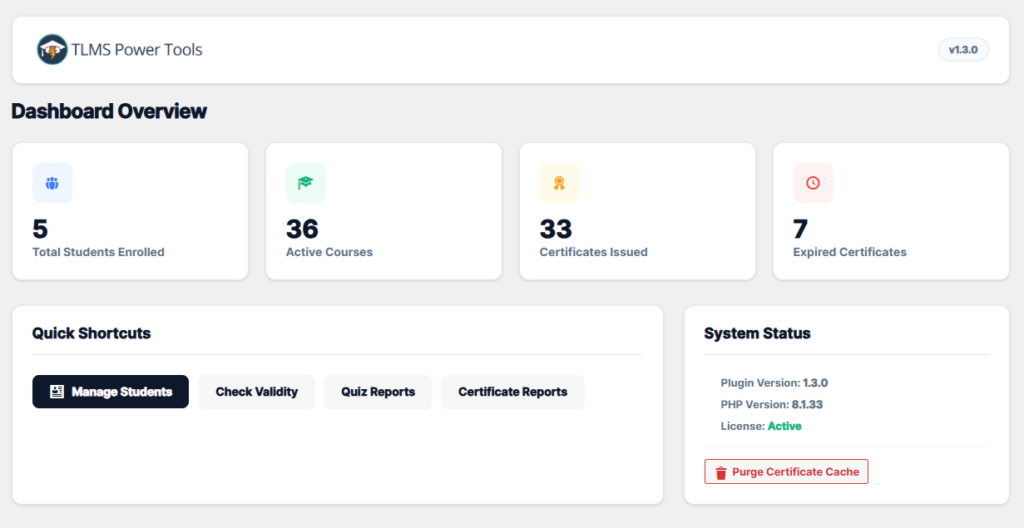
Furthermore, you’ll find a button that says “Purge Certificate Cache.” This is useful when you want to download a student’s certificate and need to use the latest version (to eliminate errors that might occur during download). Simply click this button, and you’re done.